
TLSPilot
Certificate renewal automation
Certificate renewal automation in TLSPilot works in two steps: TLSPilot renews your certificates early in the renewal window, and the next daily cycle deploys them to every target and checks that they sit correctly.
How certificate renewal automation works
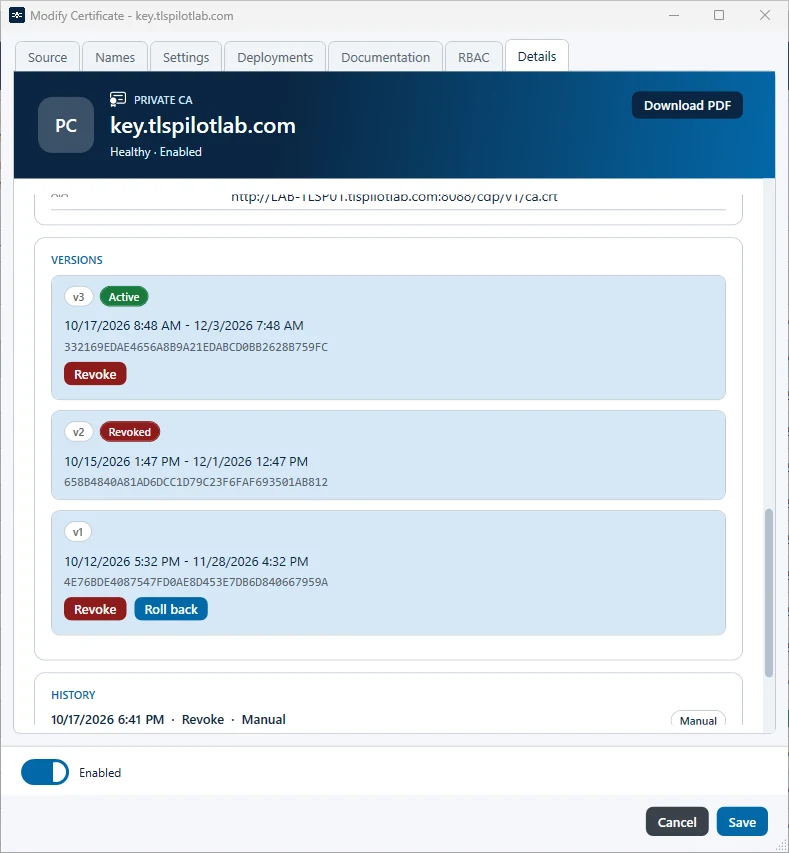
TLSPilot knows the renewal window of every certificate and renews it at a random moment in the first tenth of that window, at the latest by the end of the day the window opens. When the CA supports ARI, TLSPilot follows the window the CA suggests. If a renewed certificate causes trouble, you can roll back to a retained previous version that is neither revoked nor expired.
Since 15 March 2026 public TLS certificates may run 200 days at most, from 15 March 2027 only 100 days and from 15 March 2029 only 47 days. Without automatic certificate renewal, sooner or later one is missed, and the outage usually lands at night.
Deployed in the next cycle
The renewal itself does not touch your targets. The daily deployment and health cycle, at 02:00 by default, deploys the new certificate and checks its health, with a retest after 60 seconds if that check fails.
If a target's certificate would expire before the next cycle, or if you force a renewal, TLSPilot renews and deploys in one run.
If a renewal or a deployment fails, an alert tells you, by mail from the Standard edition and also in Teams, Slack or by webhook from Professional.