
Features
Internal PKI automation
Internal PKI automation with TLSPilot means that certificates for internal systems come from your Enterprise CA (AD CS) or the built-in Private CA and are renewed and deployed automatically. Both issuers are included from the Professional edition.
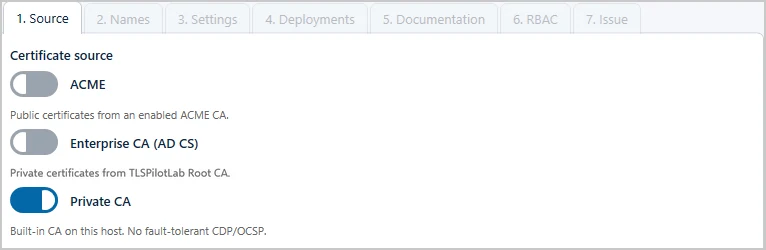
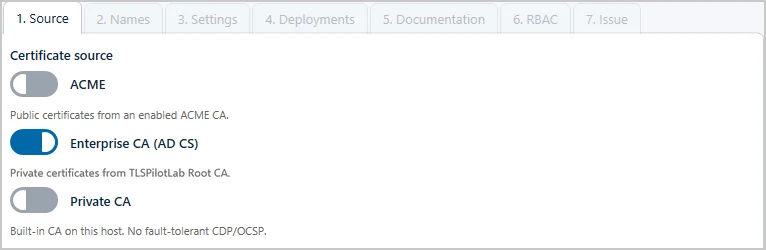
Enterprise CA or Private CA
The Enterprise CA suits clients that already trust your organization's CA, for example domain-joined Windows servers, and it needs a domain-joined management host.
The Private CA is a single root CA on the management host that issues certificates directly, which suits the WebUI, Entra app certificates or lab applications.
The Private CA is not redundant, and its revocation information is only available while the management host is reachable. If you need a multi-tier PKI hierarchy, use your Enterprise CA.
Make clients trust the Private CA
Clients trust Private CA certificates once the CA certificate is installed as a trusted root. On the tab Certification Authorities you export the CA certificate (.cer) and the revocation list (CRL), or you do it with the PowerShell module. An Enterprise CA request that waits for a CA manager is not a failure: the cycle asks the CA again on each run and deploys the certificate once it is issued.