Features
Certificate expiry alert
A certificate expiry alert from TLSPilot reaches your team before your users notice anything. TLSPilot checks your certificates in the daily cycle, so you can act before an outage.
Warned before it expires
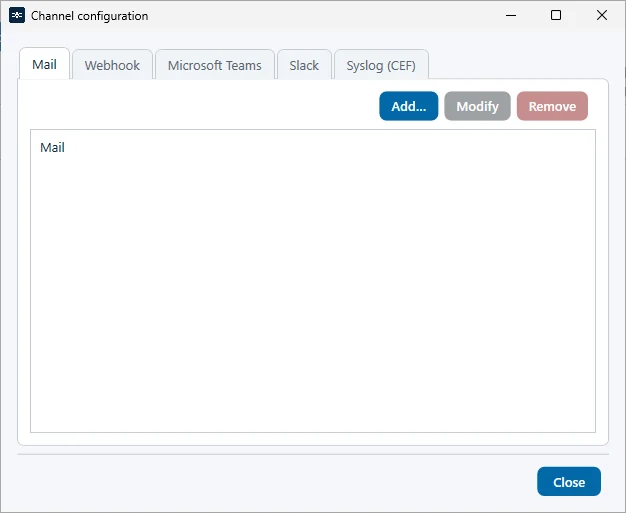
Alerts reach you where you work: by mail from the Standard edition, in Microsoft Teams, Slack or by webhook from Professional, and via Syslog from Enterprise. Which channels each edition includes is shown on the editions page.
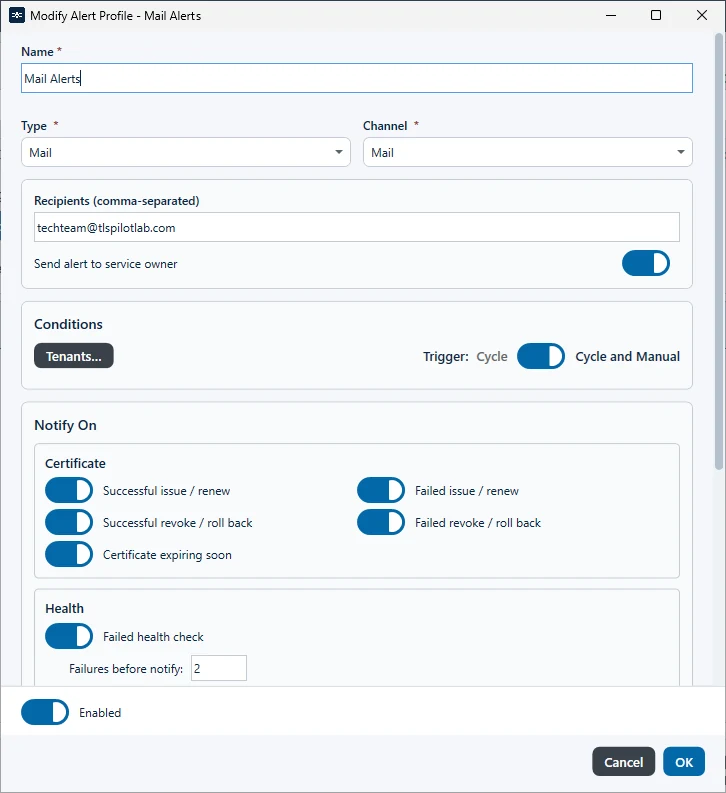
An alert profile decides who is notified about which event, for example a failed renewal, a failed deployment or a certificate whose renewal has not succeeded by the middle of its renewal window.
The certificate expiry alert itself is the event Certificate expiring soon. It fires when a certificate has passed the middle of its renewal window without a successful renewal, so you still have time to act.
TLSPilot checks in the daily cycle, after each deployment and whenever you start a check. It is therefore not a continuous monitoring tool.