
Product
Multi-tenant certificate management
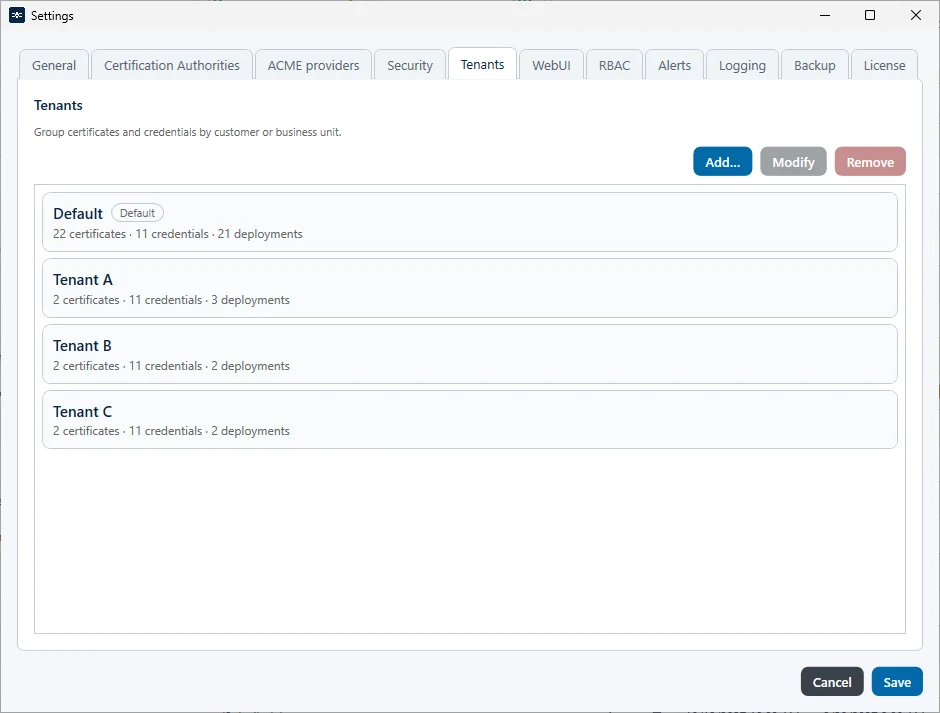
Multi-tenant certificate management is for several customers or companies that share one host but whose estates must not mix. From the Ultimate edition, tenants keep certificates, deployments and credentials apart.
Tenants
A role sets who may create, change and deploy certificates, deployments and credentials, in the Desktop Admin console and in the WebUI alike. You can grant a role for a whole tenant or down to a single certificate.
Each tenant has its own inventory and its own allowed issuers, and for the Enterprise CA you can also choose which templates a tenant may use. Ultimate includes up to 50 tenants, for example for an MSP with several customers on one host.
Roles and credentials per tenant
In the RBAC Manager you restrict a role to one or more tenants, so it applies only to their certificates, deployments and credentials. A credential assigned to a tenant can only be used there. A certificate can move to another tenant if every credential it uses is readable in that tenant.