Tenants · 10.2
Restrict roles to tenants
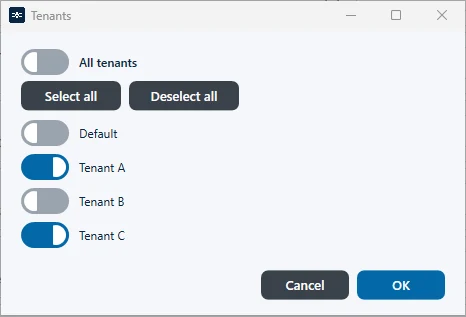
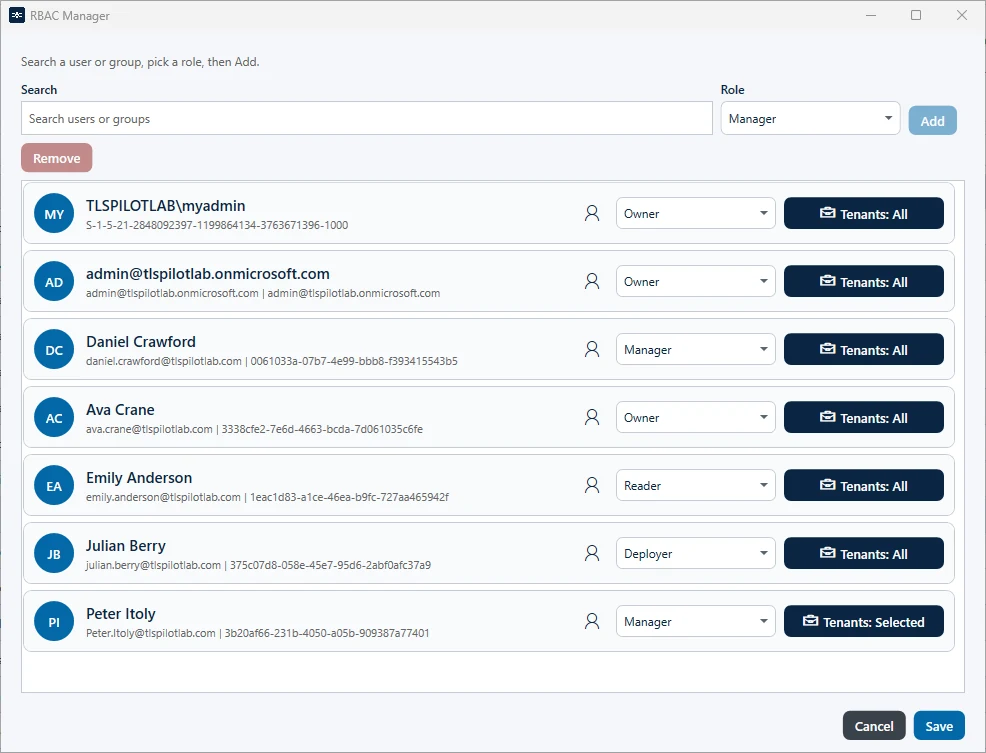
In the RBAC Manager, you can define for each user or group on which tenants their role applies. The RBAC Manager is described in chapter RBAC. By default, a role applies to all tenants. To restrict it, click Tenants: All next to the entry and select the tenants, for example only “Customer A”. A role restricted to tenants applies only to the certificates, deployments and credentials of these tenants. The settings, RBAC, the license, Run deployment & health cycle now and a restore require the role Owner with Tenants: All.